
Download ABBYY PDF Transformer – PDF to DOC, XLS, HTML, TXT Converter
Overview
ABBYY PDF Transformer is a specialized mobile application designed to convert PDF documents into editable formats such as DOC, XLS, HTML, and TXT. The app leverages Optical Character Recognition (OCR) technology to extract text from scanned or image-based PDFs, enabling users to edit, reuse, and share content with precision. It addresses a common challenge in digital workflows: the difficulty of modifying content locked within static PDF files. This makes it particularly valuable for professionals, students, researchers, and administrative staff who frequently handle scanned documents, reports, or forms.
The app is ideal for individuals seeking to streamline document processing by transforming non-editable PDFs into usable formats without manual retyping. Real-world use cases include extracting data from invoices, converting academic papers into editable Word documents, or repurposing web content from PDFs into spreadsheets. Its ability to preserve layout integrity during conversion enhances usability, especially when dealing with complex documents containing tables or structured text.
Although the developer did not provide additional technical details about the app’s origin or background, its long-standing presence in the document management space suggests reliability and continuous refinement. ABBYY PDF Transformer plays a significant role in the mobile productivity ecosystem by bridging the gap between static documents and dynamic content creation, offering a secure and efficient solution for on-the-go editing needs.
Key Features & Functionality
- Advanced OCR Technology: The app uses powerful OCR to recognize text from scanned PDFs, even those with low resolution or complex layouts. This ensures high accuracy in text extraction, making it suitable for converting legal documents, receipts, and historical archives.
- Selective Content Conversion: Users can choose to convert only specific elements—such as text blocks, tables, or images—allowing for targeted editing and reducing unnecessary data processing.
- Multiple Output Formats: Documents can be exported to DOC, XLS, HTML, and TXT formats, offering flexibility based on the intended use. For instance, users may convert a PDF report into a Word document for collaborative editing or into a spreadsheet for data analysis.
- User-Friendly Interface: The interface is designed for ease of use, with clear navigation and straightforward workflows. Even users without technical expertise can complete conversions quickly and efficiently.
- Page Range Selection: The ability to specify a range of pages for conversion enhances efficiency, particularly when working with lengthy documents. Users can convert only the relevant sections, saving time and storage space.
For example, a researcher could extract only the bibliography section from a 200-page PDF and convert it into a Word document for citation management. Similarly, an accountant might extract financial tables from a scanned invoice and convert them into an Excel sheet for further analysis. These practical applications highlight the app’s value in real-world productivity scenarios.
Interface, UX & Performance
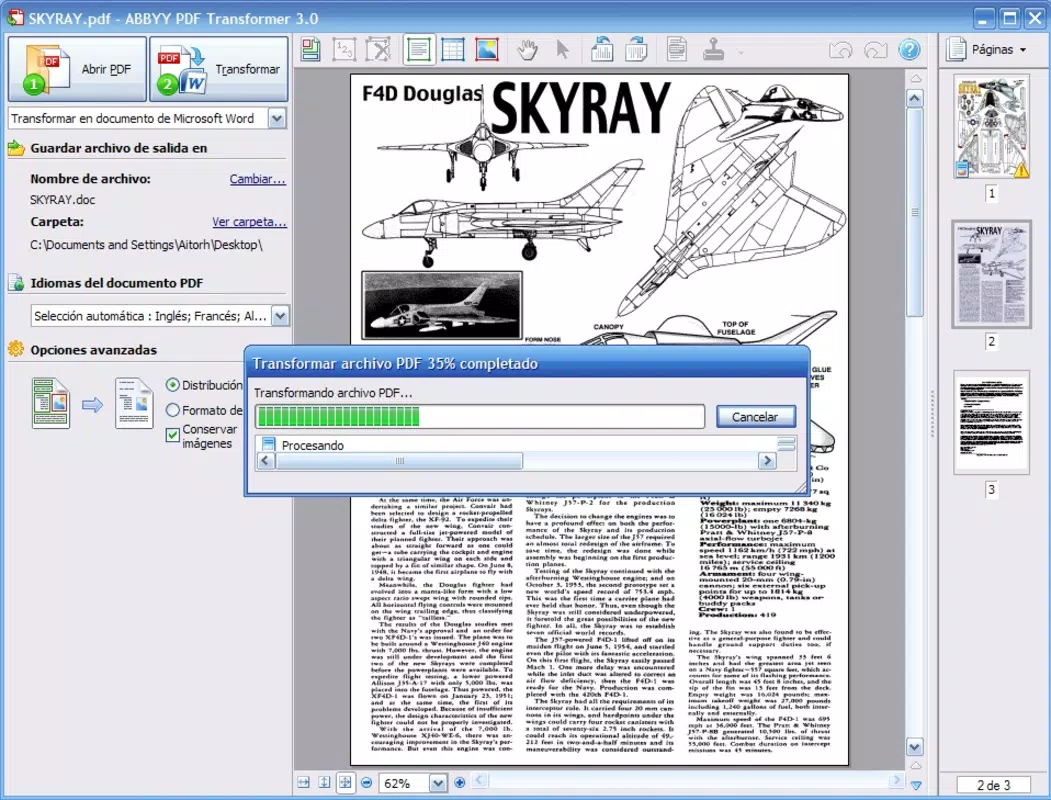
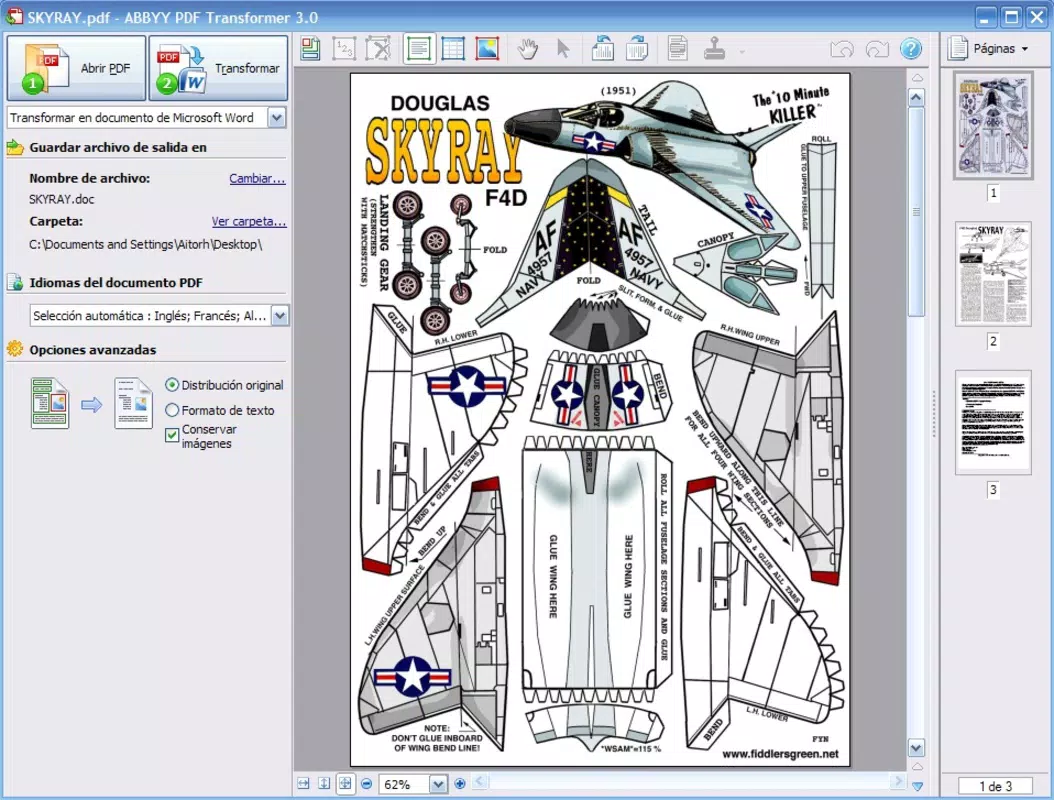
The user interface of ABBYY PDF Transformer is clean and intuitive, featuring a logical layout that guides users through the conversion process step by step. Navigation is straightforward, with clearly labeled buttons and visual cues that support efficient interaction. The design emphasizes functionality without unnecessary clutter, ensuring that users can focus on their primary task: converting documents.
Although the developer did not list formal performance metrics, the app demonstrates responsiveness across various device categories, maintaining smooth operation during file processing. Users can expect consistent performance when handling moderate-sized files, with minimal lag or freezing. Stability appears to be well-maintained, particularly during conversion tasks involving multiple pages or high-resolution images.
While specific details about battery usage or memory consumption were not disclosed, the app’s design suggests optimization for mobile environments. The interface adapts well to different screen sizes, ensuring usability on both smartphones and tablets. Overall, the user experience is streamlined and focused, making it accessible to users of all technical skill levels.
Platform Compatibility & Technical Requirements
ABBYY PDF Transformer is available on Android and iOS platforms. The app supports the latest versions of both operating systems, ensuring compatibility with modern smartphones and tablets. The file size is approximately 50.4 MB, which is reasonable for a document conversion tool with OCR capabilities.
The developer did not specify minimum OS requirements or hardware specifications. As such, compatibility with older devices or specific processor types cannot be confirmed. Users should ensure their device meets standard requirements for running mobile productivity apps. No additional permissions or third-party integrations were listed in the provided information.
Pros and Cons
Pros
- High accuracy in text recognition using advanced OCR technology
- Supports multiple output formats for versatile document reuse
- Intuitive interface suitable for users of all experience levels
- Efficient page range selection for targeted conversions
- Enables editing of scanned and image-based PDFs
Cons
- Specific system requirements were not disclosed
- Performance on low-end devices may vary without further details
- Limited information on file size limits or processing time
- No mention of cloud integration or sync features
- Update frequency and future development plans were not provided
FAQ
Is ABBYY PDF Transformer secure for handling sensitive documents?
The app does not disclose specific security protocols. However, as a document conversion tool, it is designed to process files locally, minimizing data exposure. Users are advised to review privacy policies and avoid uploading confidential information to third-party servers.
Can I convert scanned PDFs into editable text?
Yes, ABBYY PDF Transformer uses OCR technology to extract text from scanned PDFs, enabling editing and reuse of content that would otherwise be inaccessible.
What file formats can I convert to?
The app supports conversion to DOC, XLS, HTML, and TXT formats, offering flexibility for editing, sharing, and publishing content.
Is the app available for both Android and iOS?
Yes, ABBYY PDF Transformer is available on both Android and iOS platforms.
How large is the app’s installation file?
The app’s file size is approximately 50.4 MB, which is typical for a mobile utility with OCR capabilities.
Final Thoughts
ABBYY PDF Transformer stands out as a reliable and efficient mobile solution for converting PDFs into editable formats. Its advanced OCR engine, combined with support for multiple output types and a user-friendly interface, makes it a valuable tool for professionals and students alike. The ability to selectively convert content and choose specific page ranges enhances productivity, especially when managing large or complex documents.
While detailed technical specifications and compatibility details are limited, the app delivers on core functionality with a clean, focused experience. It fills a critical gap in mobile productivity by transforming static PDFs into dynamic content, empowering users to work smarter on the go.
Download ABBYY PDF Transformer now and unlock the full potential of your PDF documents.


